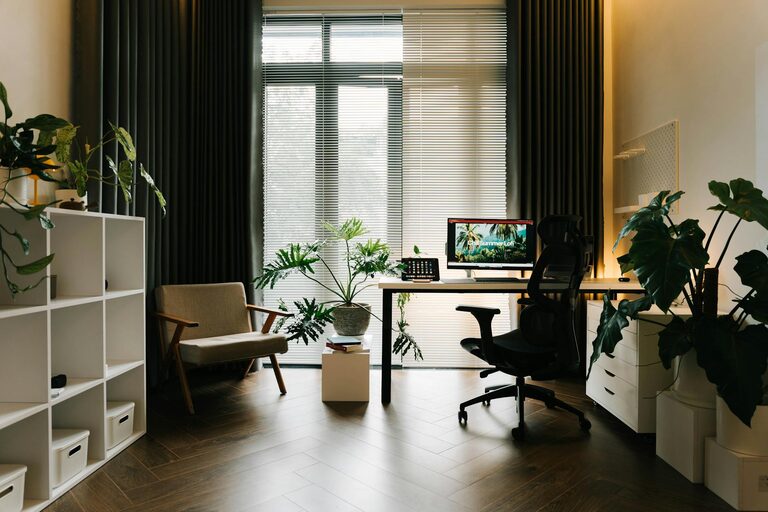

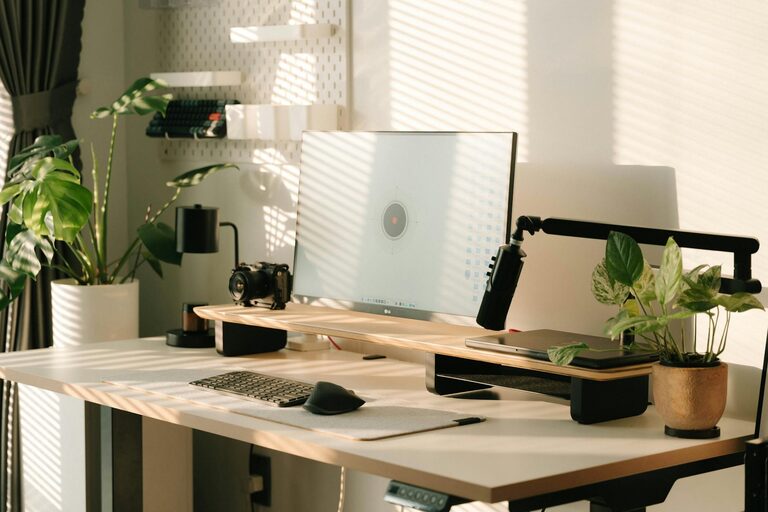
Tips for Creating a Productive Home Office Space
Creating a productive home office space is essential for anyone working remotely or running a business from home. A well-designed workspace not only improves focus and efficiency but also helps maintain a healthy work-life balance. Whether you have a dedicated room or a small nook, the following tips will guide you in setting up an environment that supports your best work.
Choose the Right Location
Find a Quiet, Low-Traffic Area
Select a spot in your home where you can work with minimal interruptions. Ideally, this should be away from noisy appliances, household traffic, and distractions.
Consider Natural Light
Working near a window with natural light can boost mood and energy levels. Position your desk to take advantage of daylight without causing screen glare.
Invest in Comfortable Furniture
Ergonomic Chair
A supportive chair is crucial for preventing back pain and maintaining good posture. Look for adjustable features to customize height, lumbar support, and armrests.
Appropriate Desk
Choose a desk that fits your workspace and allows for proper monitor placement. If possible, consider a standing desk or a sit-stand adjustable desk to alternate your posture during the day.
Organize Your Space Efficiently
Declutter Regularly
Keep your workspace tidy by removing unnecessary items. A clutter-free desk reduces distractions and helps maintain focus.
Use Storage Solutions
Shelves, drawers, and organizers can keep supplies and documents within reach but neatly stowed away when not needed.
Optimize Technology Setup
Reliable Internet Connection
Ensure your internet speed is sufficient for video calls, uploading files, and other online tasks. Use a wired connection if possible for stability.
Quality Equipment
Invest in a good computer, monitor, keyboard, and mouse. A larger monitor or dual monitors can enhance productivity by making multitasking easier.
Headphones and Microphone
Noise-cancelling headphones and a clear microphone improve communication during virtual meetings.
Personalize Your Workspace
Add Plants or Artwork
Plants can improve air quality and add a calming touch. Artwork or photos make the space welcoming and inspiring.
Choose Soothing Colors
Colors like soft blues, greens, or neutrals can create a calming environment that supports concentration.
Establish Boundaries and Routine
Define Work Hours
Set specific start and end times for your workday to separate professional and personal life.
Create a Morning Routine
Start your day with a routine that prepares you mentally for work, such as a short walk, coffee, or reviewing your daily tasks.
Manage Lighting and Screen Glare
Layered Lighting
Use a combination of overhead, task, and natural light for balanced illumination. Avoid harsh, direct glare.
Screen Positioning
Place your monitor at eye level and perpendicular to windows to reduce eye strain and glare.
Incorporate Movement and Breaks
Take Regular Breaks
Step away from your desk every hour to stretch and rest your eyes. This habit helps prevent fatigue and boosts creativity.
Include Space for Movement
If space allows, include a small area for stretching or brief exercises during breaks.
Maintain Proper Air Quality and Temperature
Ventilation
Open windows periodically or use a fan or air purifier to keep the air fresh.
Comfortable Temperature
Adjust heating or cooling to maintain a comfortable temperature, as discomfort can reduce focus.
—
By carefully selecting your home office location, investing in comfortable and functional furniture, and organizing your space efficiently, you’ll create an environment that supports productivity and well-being. Personal touches, good lighting, and a clear daily routine will help you enjoy working from home and maintain a healthy balance between work and life. Start implementing these tips today to transform your home office into a space where you can thrive.
Related Post
Tips for Creating a Cozy and Inviting Home Workspace
Creating a cozy and inviting home workspace is essential for anyone spending significant time working…